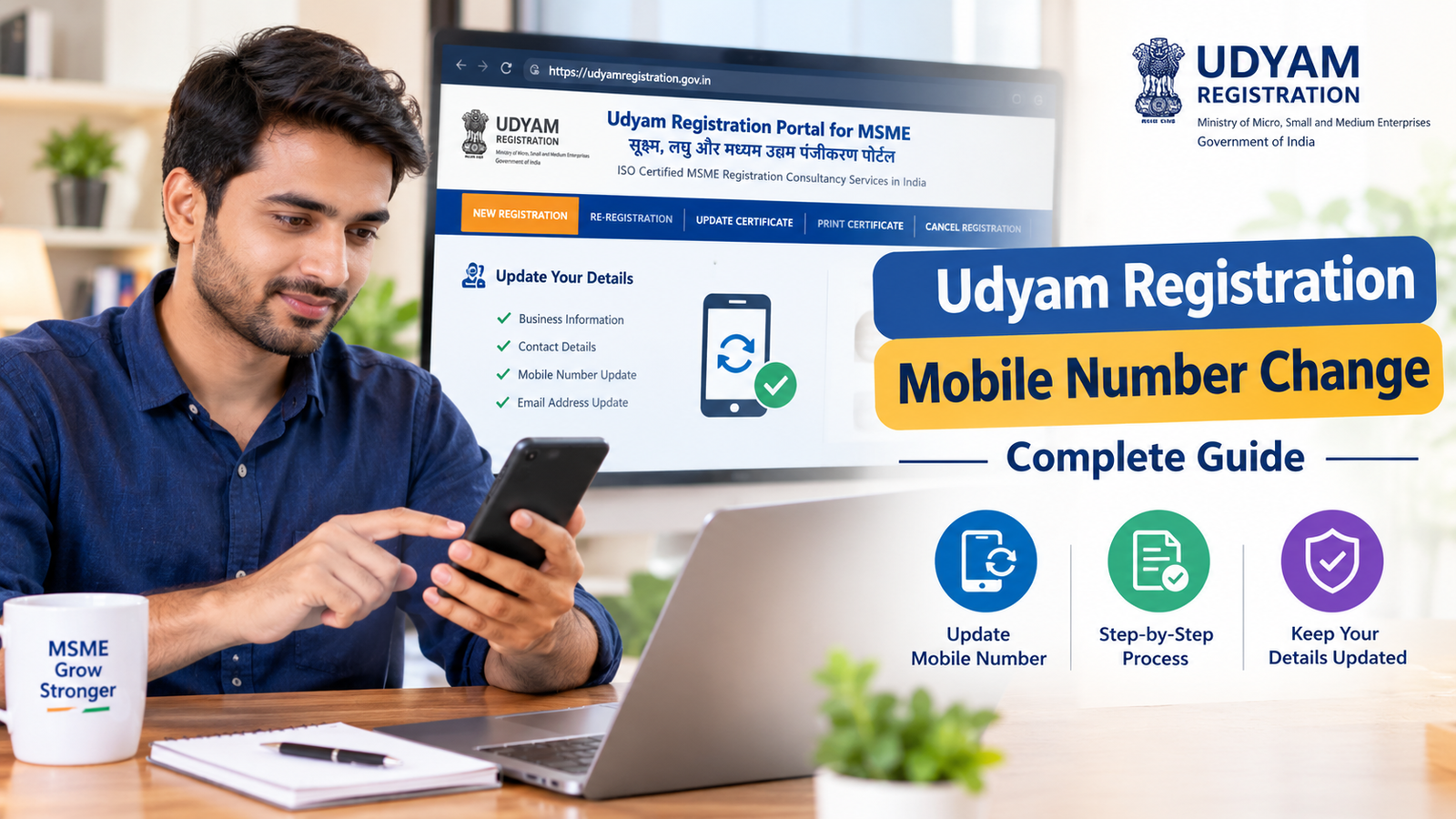
Udyam Registration Mobile Number Change: Complete Guide for MSME Owners
If you have registered your business under Udyam Registration and your registered mobile number has changed, updating your details is important. The mobile number associated with your Udyam Registration can be useful for receiving communications, verification-related information, and accessing your registration details.
In this guide, we explain Udyam Registration Mobile Number Change, why it may be required, what information you may need, and how MSME owners can handle changes to their registered contact details.
What Is Udyam Registration?
Udyam Registration is the registration system used by the Government of India for Micro, Small and Medium Enterprises (MSMEs). Businesses that qualify as MSMEs can obtain a Udyam Registration Number and certificate.
The registration record contains important business information, which may include:
- Enterprise name
- Type of organisation
- PAN details
- Business address
- Bank details
- Mobile number
- Email address
- Business activity
- Investment and turnover-related information
Because these details are associated with your business record, keeping them updated is important.
Why Do You Need Udyam Registration Mobile Number Change?
Business owners may need to update their registered mobile number for several reasons.
For example:
- The old mobile number is no longer active.
- The business owner has changed their phone number.
- The registered number belongs to a former employee.
- The SIM card has been lost or discontinued.
- The business has changed its contact details.
- The owner is unable to receive messages on the registered number.
If your old mobile number is no longer accessible, you may face difficulties while completing certain verification or account-related activities.
Therefore, understanding the process for Udyam Registration Mobile Number Change can help you keep your MSME information current.
Can the Mobile Number Be Changed in Udyam Registration?
Yes, registered business information may need to be updated when there is a change in the enterprise's details.
However, the exact procedure and verification requirements can depend on the current Udyam Registration system and the type of information being updated.
Before making any change, business owners should use the official Udyam Registration portal and carefully follow the instructions provided there.
Avoid sharing your Aadhaar, PAN, OTP, or other confidential information with unknown websites or individuals.
Udyam Registration Mobile Number Change: General Process
If you need to change the mobile number associated with your Udyam Registration, the general process involves accessing the appropriate Udyam services and completing the required verification.
Step 1: Keep Your Udyam Details Ready
Before starting, keep your basic registration information available.
You may need information such as:
- Udyam Registration Number
- Enterprise name
- PAN details
- Aadhaar-related information, where applicable
- Existing contact information
- New mobile number
Having the correct information can make the process easier.
Step 2: Visit the Udyam Registration Portal
Use the official Udyam Registration website to access registration-related services.
Be careful when searching online because many third-party websites provide registration assistance. Always verify that you are using the correct government portal before entering sensitive information.
Step 3: Select the Appropriate Update Service
Look for the relevant option for updating or modifying your Udyam Registration information.
The available options can change as the government portal is updated, so follow the current instructions displayed on the website.
Step 4: Enter Your Registration Information
Provide the requested details accurately.
Check your Udyam Registration Number and other information before proceeding. A small error in the registration number or business information could prevent successful verification.
Step 5: Complete Verification
Depending on the service and the information being changed, the portal may require verification.
Follow the on-screen instructions and provide the required information.
Never share an OTP with another person.
Step 6: Enter the New Mobile Number
If the system provides an option to update the registered contact number, enter the new mobile number carefully.
Double-check the number before submitting the request.
Step 7: Submit the Update
After reviewing all information, submit the request according to the portal instructions.
Keep any acknowledgement or reference information provided after submission.
Documents Required for Udyam Mobile Number Update
The requirements can vary depending on the type of update and the current portal process.
Generally, you should keep the following information available:
|
Information
|
Purpose
|
|
Udyam Registration Number
|
Identifies the MSME record
|
|
PAN details
|
Business/tax identification
|
|
Aadhaar-related information
|
Verification where applicable
|
|
New mobile number
|
Updated contact information
|
|
Business details
|
Helps verify the enterprise
|
You should provide only the information requested through the official process.
What If You Lost Your Old Mobile Number?
One of the most common reasons for searching Udyam Registration Mobile Number Change is losing access to the old number.
If your previous number is inactive or unavailable, the normal OTP-based process may not work in the same way.
In such cases, carefully check the current Udyam portal for the available recovery or update options. If the portal requires verification through the existing number, follow the official alternative process, if one is provided.
Do not attempt to bypass verification through unofficial methods.
What If the Registered Mobile Number Belongs to Someone Else?
Sometimes an entrepreneur may have used an accountant, employee, consultant, or family member's number while completing Udyam Registration.
If that person no longer handles the business, updating the contact details is sensible.
The business owner should ensure that the contact information associated with the enterprise is accurate and accessible to the authorised person.
Common Problems During Udyam Registration Mobile Number Change
Business owners may encounter several issues while trying to update their details.
1. OTP Not Received
An OTP may be delayed because of network issues, incorrect contact information, or temporary technical problems.
Check the number carefully and wait before requesting another OTP.
2. Old Number Is Not Active
If you no longer have access to the registered number, standard verification may become difficult.
Check the official portal for the current procedure applicable to your situation.
3. Incorrect Udyam Number
Entering an incorrect Udyam Registration Number can prevent your record from being identified.
Keep your Udyam certificate available while completing the process.
4. Website or Technical Issues
Government portals can occasionally experience technical problems.
If the service is temporarily unavailable, try again later rather than repeatedly submitting incomplete requests.
5. Business Information Does Not Match
If other information in your registration record is outdated or inconsistent, additional verification may be required.
Review your business details carefully.
How to Avoid Problems With Your Udyam Registration
Keeping your Udyam information updated can help reduce problems later.
Follow these practices:
- Keep your registered mobile number active.
- Use an email address that you regularly access.
- Keep your Udyam Registration Number safely stored.
- Download and preserve your Udyam certificate.
- Review your business information periodically.
- Update relevant information when circumstances change.
- Do not share OTPs with unauthorised persons.
- Use the official Udyam portal for sensitive activities.
Udyam Registration Mobile Number Change vs. New Registration
Changing your mobile number does not automatically mean that you need to register your business again.
If your enterprise already has a valid Udyam Registration Number, first check whether the required information can be updated through the existing registration record.
Creating another registration unnecessarily can create confusion.
Always verify the current government rules and portal instructions before submitting a new registration application.
Frequently Asked Questions
1. What is Udyam Registration Mobile Number Change?
It refers to updating the mobile contact information associated with an existing Udyam Registration record.
2. Can I change my mobile number after Udyam Registration?
If the current Udyam system provides an update facility for the relevant information, you can follow the prescribed process to update your details.
3. What if I don't have my old mobile number?
If you cannot access the old number, check the official Udyam portal for the applicable verification or recovery procedure.
4. Do I need a new Udyam Registration after changing my phone number?
Generally, changing contact information does not by itself mean that you need to create a new registration. Check the applicable update process first.
5. Can I update other business information too?
Certain business details may be updated through the Udyam system, subject to the applicable rules and verification requirements.
6. Is an OTP required?
Verification requirements can depend on the particular service and current portal process.
7. Should I share my OTP with a consultant?
No. OTPs are confidential and should not be shared with unauthorised individuals.
8. How can I protect my Udyam Registration details?
Keep your Udyam Registration Number, certificate, business documents, and login/contact information secure.
9. What should I do if my update request does not work?
Check the information entered, review the current instructions on the official portal, and try again if there is a temporary technical issue.
10. Is Udyam Registration important for an MSME?
Udyam Registration provides an official registration framework for eligible MSMEs and can be relevant when accessing various government schemes, benefits, and business-related opportunities, subject to the applicable eligibility conditions.
Final Thoughts
Keeping your business contact information accurate is an important part of maintaining your MSME records. If your registered phone number has changed, understanding Udyam Registration Mobile Number Change can help you determine the appropriate next step.
Before making any update, keep your Udyam Registration Number and business information ready, use the official portal, follow the current verification instructions, and protect confidential information such as OTPs.
Most importantly, do not rely on unofficial websites for sensitive registration activities. Always verify the latest procedure before submitting your information.
