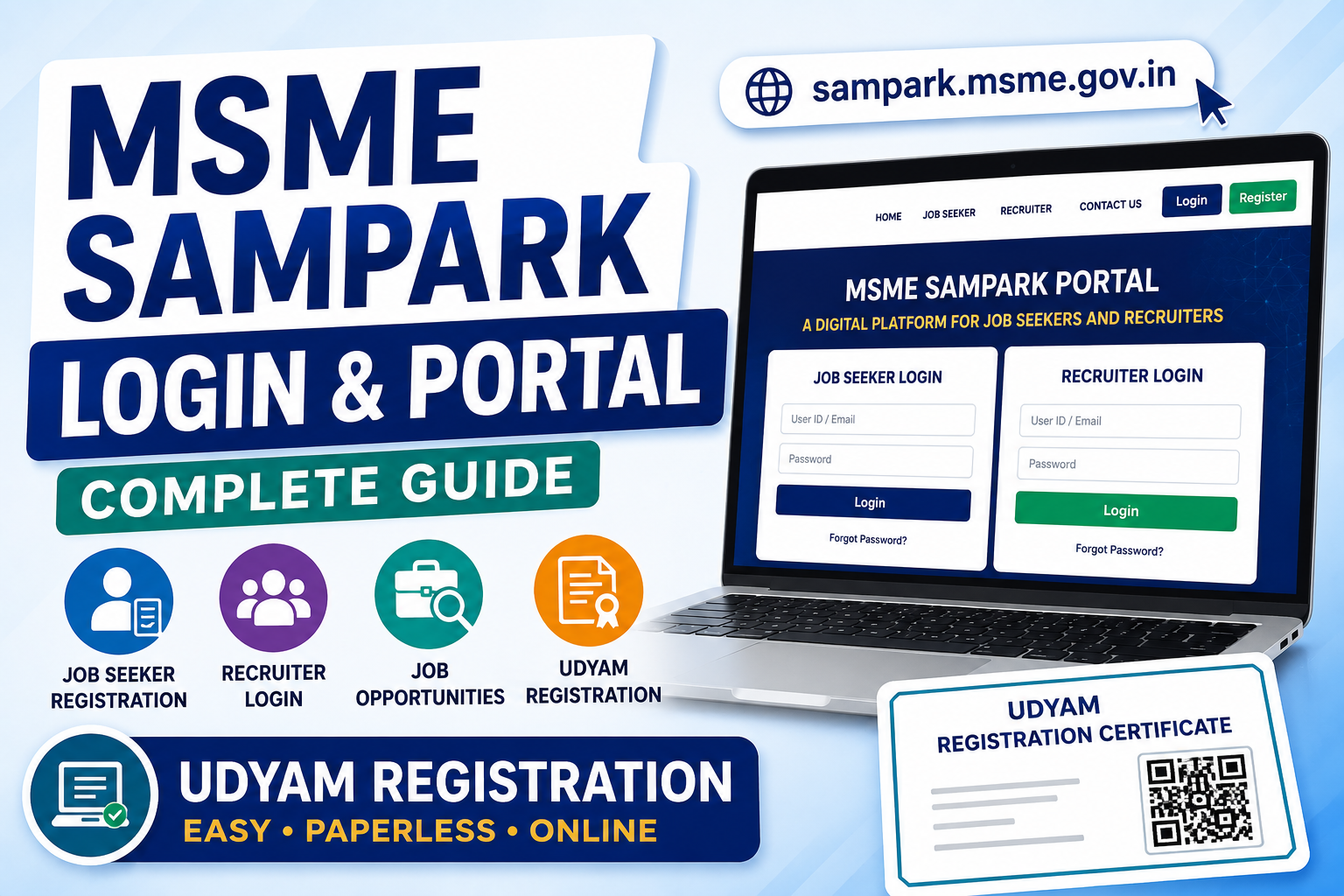
MSME Sampark Login: MSME Sampark Portal, Registration and Udyam Registration Guide
If you are searching for MSME Sampark, MSME Sampark login, MSME Sampark portal, Sampark MSME, or sampark.msme.gov.in login, it is important to first understand what this portal is actually used for.
The Ministry of Micro, Small & Medium Enterprises (MSME) operates several digital platforms for entrepreneurs, job seekers, recruiters, procurement, delayed-payment complaints and other MSME-related services. MSME SAMPARK is primarily a job portal connecting job seekers with recruiters, particularly candidates who have completed training through MSME Technology Centres and related technical institutions. It should not be confused with the Udyam Registration portal, which is the official platform for obtaining MSME/Udyam Registration.
What Is MSME Sampark?
MSME Sampark is a digital employment platform developed under the Ministry of Micro, Small & Medium Enterprises. It was launched in June 2018 to provide a connection between job seekers and recruiters.
The platform is particularly associated with passed-out trainees and students of MSME Technology Centres and technical institutions. Job seekers can register their profiles, while recruiters can register and look for suitable candidates for available vacancies.
In simple words:
MSME SAMPARK = Job seekers + Recruiters + Employment opportunities
It is different from:
Udyam Registration = MSME/business registration
This distinction is important because many people search for terms such as “MSME Sampark registration,” “MSME Sampark login,” and “Sampark MSME registration” expecting to receive an MSME certificate. The Sampark platform does not replace Udyam Registration.
MSME Sampark Login – What You Should Know
People commonly search for:
-
MSME Sampark login
-
MSME Sampark portal login
-
sampark msme gov in login
-
sampark.msme.gov.in login
-
Sampark portal MSME
-
Sampark MSME
-
sampark msme gov in
-
www msme sampark gov in
-
www sampark msme gov in
These searches generally indicate that a user is trying to access the MSME employment platform.
However, you should verify the current official portal address before entering any personal information because government portals can be redesigned, migrated or integrated with newer MSME platforms.
The Ministry's current MSME ecosystem also includes platforms such as MyMSME, MSME Samadhaan, MSME Sambandh, Udyam Registration and other services.
Important Difference
|
Portal/Service
|
Main Purpose
|
|
MSME Sampark
|
Job seekers and recruiters
|
|
Udyam Registration
|
MSME registration
|
|
MSME Samadhaan
|
Delayed payment-related complaints
|
|
MSME Sambandh
|
Public procurement monitoring
|
|
MyMSME
|
Various MSME schemes and applications
|
|
Udyam Assist Platform
|
Formalisation of informal micro enterprises
|
Therefore, if your purpose is getting an MSME certificate, you should use Udyam Registration rather than searching for MSME Sampark login.
MSME Sampark Portal – Who Can Use It?
The primary users of MSME SAMPARK are:
1. Job Seekers
Candidates who have completed training through MSME Technology Centres or technical institutions can use the platform to connect with potential employers.
2. Recruiters
Companies and employers can use the platform to identify suitable candidates and post or access employment opportunities.
3. MSME Technology Centre Trainees
The portal was designed to help trained candidates transition from technical training to employment.
The Ministry's annual report describes MSME SAMPARK as a platform where job seekers and recruiters can register for mutually beneficial interaction.
MSME Sampark Registration – Is It the Same as MSME Registration?
No. This is one of the most important points for anyone searching for MSME Sampark registration.
There are two completely different concepts:
MSME Sampark Registration
This relates to the employment platform and is intended for job seekers and recruiters.
Udyam Registration
This is the official MSME registration system through which an eligible enterprise receives a permanent Udyam Registration Number and online certificate.
The official Udyam portal states that the registration process is online, paperless and based on self-declaration. It also states that there is no need for renewal after registration.
So, if your requirement is:
“I want to register my business as an MSME.”
You should apply through Udyam Registration, not MSME Sampark.
MSME Registration vs MSME Sampark
The difference can be understood easily.
MSME Sampark is related to employment opportunities.
Udyam Registration is related to business/MSME registration.
For example, suppose Rahul has completed technical training from an MSME Technology Centre and wants to find employment. MSME Sampark may be relevant to him.
On the other hand, suppose Rahul starts a manufacturing business and wants formal MSME recognition. He should look at Udyam Registration.
Therefore, searching for MSME Sampark login and searching for Udyam registration login represent two different requirements.
Udyam Registration Login
If you already have a Udyam Registration Number and want to access your Udyam account, the official portal provides a dedicated Udyami Login.
The current official login process requires:
-
Udyam Registration Number
-
Mobile number used in the application
-
OTP verification
-
CAPTCHA/verification
The official portal specifically instructs users to enter their Udyam Registration Number and registered mobile number, select an OTP option and complete OTP validation.
This is the appropriate login page when your purpose is to manage or access your Udyam Registration.
Who Should Apply for Udyam Registration?
Udyam Registration is designed for enterprises that fall within the government's MSME classification criteria.
The current classification is based on both:
The limits applicable from 1 April 2025 are:
|
Enterprise Category
|
Investment Limit
|
Turnover Limit
|
|
Micro
|
Up to ₹2.5 crore
|
Up to ₹10 crore
|
|
Small
|
Up to ₹25 crore
|
Up to ₹100 crore
|
|
Medium
|
Up to ₹125 crore
|
Up to ₹500 crore
|
These revised limits are published on the official Udyam Registration portal.
This means that MSME classification is not based simply on the number of employees. Investment and turnover criteria are important for determining the enterprise category.
Documents Required for Udyam Registration
One of the major advantages of the current Udyam Registration system is that it is designed as a paperless and self-declaration-based process.
The official portal states that documents or proof do not need to be uploaded during registration.
Generally, the applicant needs information related to:
-
Aadhaar
-
PAN
-
GSTIN, where applicable
-
Business/enterprise details
-
Address
-
Bank details
-
Nature of business activity
-
NIC code
-
Investment and turnover-related information
The exact information required can depend on the type of organisation and applicable requirements.
For example, the official registration form explains that Aadhaar requirements vary according to the organisation type, while companies, LLPs and certain other entities have additional PAN/GST-related requirements.
How to Apply for Udyam Registration Online
If your actual purpose behind searching MSME Sampark portal is to obtain an MSME certificate, follow the Udyam Registration process instead.
Step 1: Visit the Official Udyam Website
Go to:https://udyamregistration.gov.in/
Avoid entering Aadhaar, PAN, OTP or other information on unofficial websites.
Step 2: Select New Registration
New entrepreneurs who do not already have Udyam Registration can select the new registration option.
The official portal provides separate options for new entrepreneurs and businesses that previously held Udyog Aadhaar/UAM registration.
Step 3: Complete Aadhaar Verification
Enter the required Aadhaar information and complete the verification process.
The Aadhaar holder and authorised person requirements depend on the organisation structure.
Step 4: Complete PAN Verification
PAN information is verified through the government system.
The Udyam system is integrated with government databases, and investment and turnover information can be obtained from linked government records.
Step 5: Enter Business Details
The applicant may need to provide information such as:
Step 6: Select the Correct NIC Code
The NIC code identifies the business activity of the enterprise.
Choosing an appropriate activity is important because your Udyam certificate contains information regarding the enterprise's National Industrial Classification activity.
The official Udyam system also permits multiple activities to be specified under one registration, including manufacturing and services.
Step 7: Submit the Application
After reviewing the information, submit the application.
Because the Udyam process is based on self-declaration, applicants should carefully verify all details before submitting.
Step 8: Receive Udyam Registration Number
After successful registration, the enterprise receives a permanent Udyam Registration Number.
An online Udyam Registration Certificate is also issued.
The official portal states that the certificate contains a dynamic QR code through which the enterprise's registration information can be accessed.
Can MSME Sampark Provide an MSME Certificate?
MSME Sampark and Udyam Registration have different purposes.
If you are looking for:
MSME certificate → Udyam Registration
If you are looking for:
Job opportunities → MSME Sampark
If you are looking for:
Delayed MSME payment complaint → MSME Samadhaan
If you are looking for:
Government procurement information → MSME Sambandh
The Ministry of MSME's MyMSME platform lists several of these services separately, including Udyam Registration, Samadhaan and Sambandh.
Benefits of Udyam Registration for MSMEs
Although Udyam Registration itself is a registration/facilitation system rather than a blanket guarantee of every MSME benefit, having valid Udyam registration can be important when an enterprise wants to access schemes, programmes and other benefits for which MSME/Udyam status is required.
Some government MSME schemes and applications specifically use the Udyam Registration Number for validation.
For example, MyMSME scheme application pages can ask applicants to enter a valid Udyam Registration Number and registered mobile number before proceeding with applications.
Potential advantages can include eligibility or easier participation in applicable:
-
MSME government schemes
-
Credit-related programmes
-
Government procurement opportunities
-
Subsidy/support programmes
-
Business development programmes
-
Technology and skill-development initiatives
-
MSME-specific support mechanisms
However, eligibility differs from scheme to scheme. Udyam registration alone does not automatically mean that an enterprise qualifies for every MSME benefit.
MSME Sampark and Udyam Registration: How Are They Connected?
The two systems are part of the broader MSME ecosystem, but they serve different functions.
Think of the MSME ecosystem like this:
Udyam Registration → Business formalisation
MSME Sampark → Employment connection
MSME Samadhaan → Delayed payment mechanism
MSME Sambandh → Public procurement monitoring
MyMSME → MSME schemes and services
This is why it is important to identify your actual requirement before searching for a login page.
MSME Sampark Login Problems – What to Check
If you are trying to access an MSME Sampark account and facing difficulty, check the following:
Check the Website Address
Government portals can change or migrate. Do not rely on an old URL copied from an outdated article.
Check Your Login Details
Make sure the username, password or other credentials are entered correctly.
Check Your Internet Connection
Temporary connectivity problems can prevent a login page from loading.
Try an Updated Browser
Use a current version of Chrome, Edge, Firefox or another supported browser.
Clear Browser Cache
If an old page is loading incorrectly, clearing cached files may help.
Check Whether the Portal Has Been Migrated
If an older MSME Sampark URL no longer works, check the current Ministry of MSME website and official MSME portal ecosystem for updated information.
MSME Sampark Portal vs Udyam Portal
This is perhaps the most important comparison for users searching these keywords.
|
Feature
|
MSME Sampark
|
Udyam Registration
|
|
Main purpose
|
Employment
|
MSME registration
|
|
Primary users
|
Job seekers & recruiters
|
Entrepreneurs/businesses
|
|
Business certificate
|
No
|
Yes
|
|
Udyam Number
|
Not its primary purpose
|
Yes
|
|
Job vacancies
|
Yes
|
No
|
|
MSME classification
|
No
|
Yes
|
|
Government MSME schemes
|
Not its primary function
|
Used for applicable schemes
|
|
Business registration
|
No
|
Yes
|
|
Official MSME ecosystem
|
Yes
|
Yes
|
Frequently Asked Questions About MSME Sampark
1. What is MSME Sampark?
MSME Sampark is an employment platform that connects trained candidates with recruiters and job opportunities.
Source: Ministry of MSME
2. What is MSME Sampark login?
MSME Sampark login allows registered users to access their accounts and employment-related services.
Source: Ministry of MSME
3. Is MSME Sampark the same as Udyam Registration?
No. Sampark is related to employment, while Udyam Registration is for official MSME registration.
Source: Udyam Registration Portal
4. Where can I register my business as an MSME?
You can register your eligible business through the official Udyam Registration portal.
Source: Udyam Registration Portal
5. Is MSME registration free?
Yes. The official Udyam portal states that Udyam Registration is free of cost.
Source: Udyam Registration Portal
6. Can I download my Udyam Certificate online?
Yes. After registration, you can access and download the Udyam Certificate online through the official portal.
Source: Udyam Registration Portal
7. Do I need to renew Udyam Registration every year?
No. Udyam Registration does not require annual renewal.
Source: Udyam Registration Portal
8. Can I use MSME Sampark to get an MSME Certificate?
No. MSME certificates are issued through the official Udyam Registration system, not MSME Sampark.
Source: Udyam Registration Portal
9. What is the current MSME classification?
From 1 April 2025, Micro, Small and Medium enterprises have investment limits of ₹2.5 crore, ₹25 crore and ₹125 crore respectively, along with prescribed turnover limits.
Source: Ministry of MSME
10. What is the difference between Sampark and Samadhaan?
Sampark focuses on employment and recruitment, while Samadhaan deals with delayed-payment-related issues of eligible MSMEs.
Source: Ministry of MSME
11. Who can use MSME Sampark?
Trained candidates seeking employment and recruiters looking for skilled candidates can use the platform.
Source: MSME Technology Centres
12. Does MSME Sampark provide jobs directly?
It connects candidates with recruiters and opportunities but does not guarantee employment.
Source: Ministry of MSME
13. Is MSME Sampark useful for MSME Technology Centre trainees?
Yes. It helps eligible trained candidates connect with potential employers and employment opportunities.
Source: MSME Technology Centres
14. What is Udyam Registration used for?
Udyam Registration provides official MSME recognition to eligible Micro, Small and Medium enterprises.
Source: Udyam Registration Portal
15. Is Udyam Registration mandatory to use MSME Sampark?
No. Udyam Registration and MSME Sampark are separate services with different purposes.
Source: Ministry of MSME
16. What is MSME Samadhaan used for?
MSME Samadhaan is used for matters related to delayed payments faced by eligible Micro and Small Enterprises.
Source: MSME Samadhaan
17. Where can I find official MSME information?
You can find authentic information about MSME schemes, registration and services on the official Ministry of MSME website.
Source: Ministry of MSME
Final Words
The term MSME Sampark can be confusing because several MSME-related portals are available online. If you are searching for MSME Sampark login, MSME Sampark portal, sampark msme, sampark.msme.gov.in login, or www sampark msme gov in, first identify whether you need an employment service or business registration.
MSME Sampark is primarily an employment platform connecting job seekers and recruiters. The Ministry of MSME describes it as a platform for job seekers, including passed-out trainees/students of MSME Technology Centres, and recruiters.
If your actual requirement is MSME registration, MSME certificate, Udyam registration, Udyam certificate download or Udyam login, use the official Udyam Registration portal instead.
